The best traffic-free bike rides around Preston
4.4
(119)
1,405
riders
46
rides
Touring cycling around Preston is characterized by a diverse landscape featuring urban green spaces, scenic riverside paths, and tranquil canal towpaths, extending into the rural Lancashire countryside. The region's terrain is generally flat to gently undulating, making it accessible for various cycling abilities. The River Ribble flows through the area, providing numerous scenic cycling paths along its banks. Ancient woodlands and historic parklands are also common features, connecting the city with its surrounding natural environment.
Best no traffic touring cycling…
Last updated: October 4, 2026
4.5
(8)
24
riders
26.6km
01:39
130m
140m
Easy bike ride. Great for any fitness level. Mostly paved surfaces. Suitable for all skill levels.
5.0
(7)
46
riders
13.0km
00:47
30m
30m
Easy bike ride. Great for any fitness level. Mostly paved surfaces. Suitable for all skill levels.

5.0
(2)
30
riders
41.6km
02:27
120m
120m
Moderate bike ride. Good fitness required. Mostly paved surfaces. Suitable for all skill levels.
4.7
(3)
30
riders
36.3km
02:11
280m
280m
Moderate bike ride. Good fitness required. Mostly paved surfaces. Suitable for all skill levels.
4.5
(4)
28
riders
Easy bike ride. Great for any fitness level. Mostly paved surfaces. Suitable for all skill levels.
Get access to more routes and recommendations from other explorers.
Already have an account?
Our route recommendations are based on thousands of hikes, rides, and runs completed by other people on komoot.
Start today with a free account
Your next adventure awaits.
Popular around Preston

Traffic-free bike rides around Whittingham
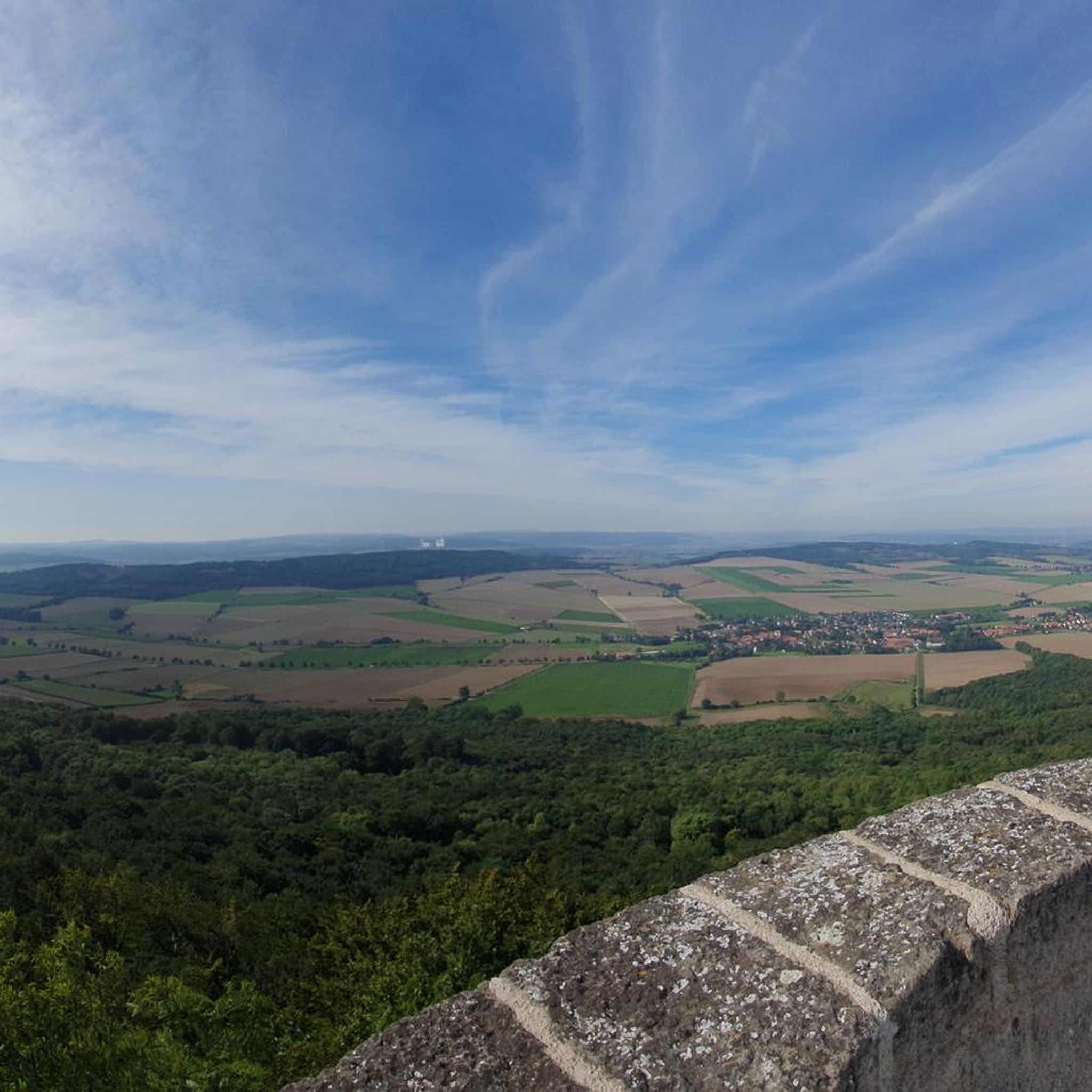
Traffic-free bike rides around Broughton
Traffic-free bike rides around Grimsargh

Traffic-free bike rides around Goosnargh
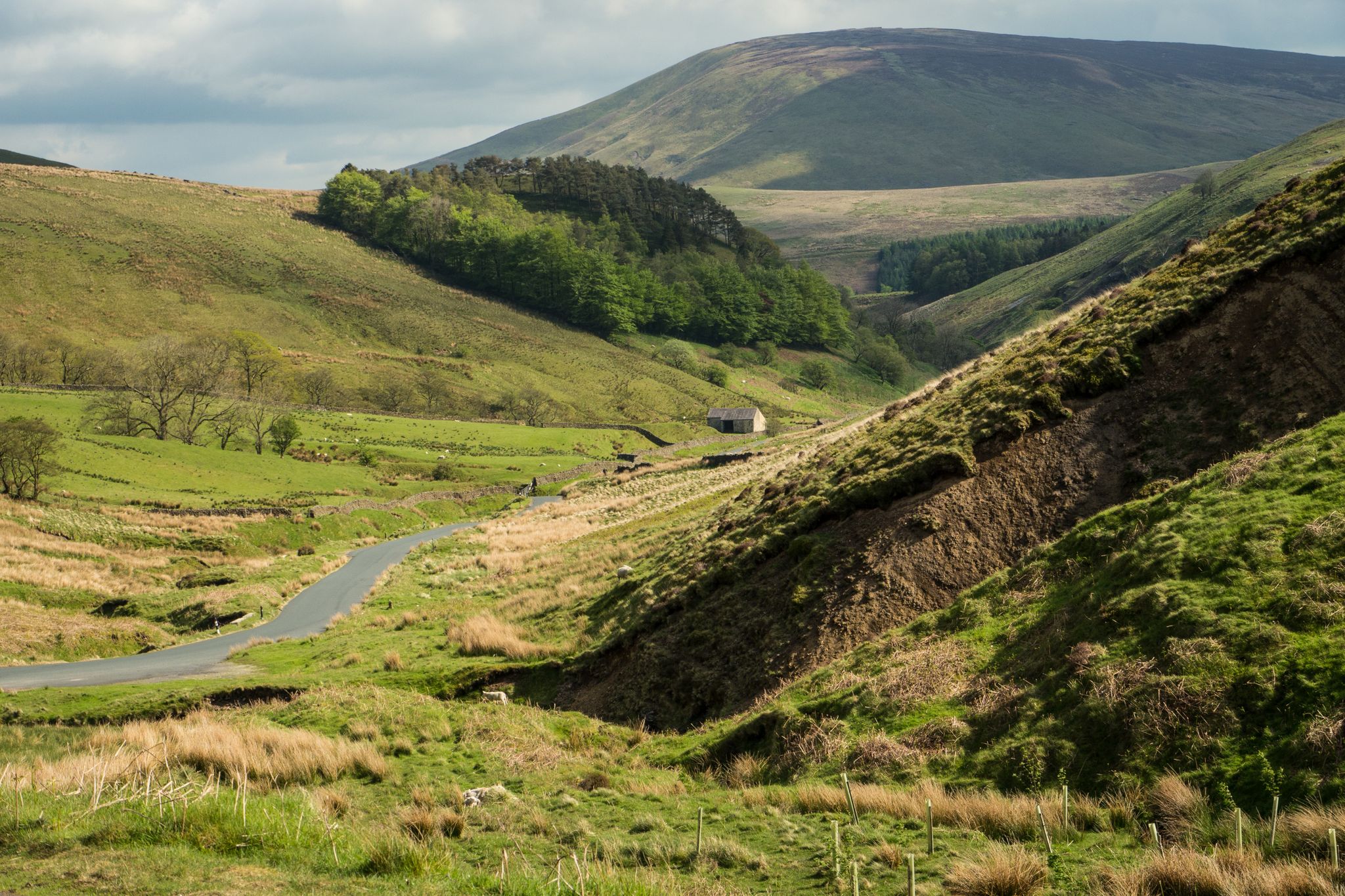
Lancashire Cycleway loop – From the countryside to the coast
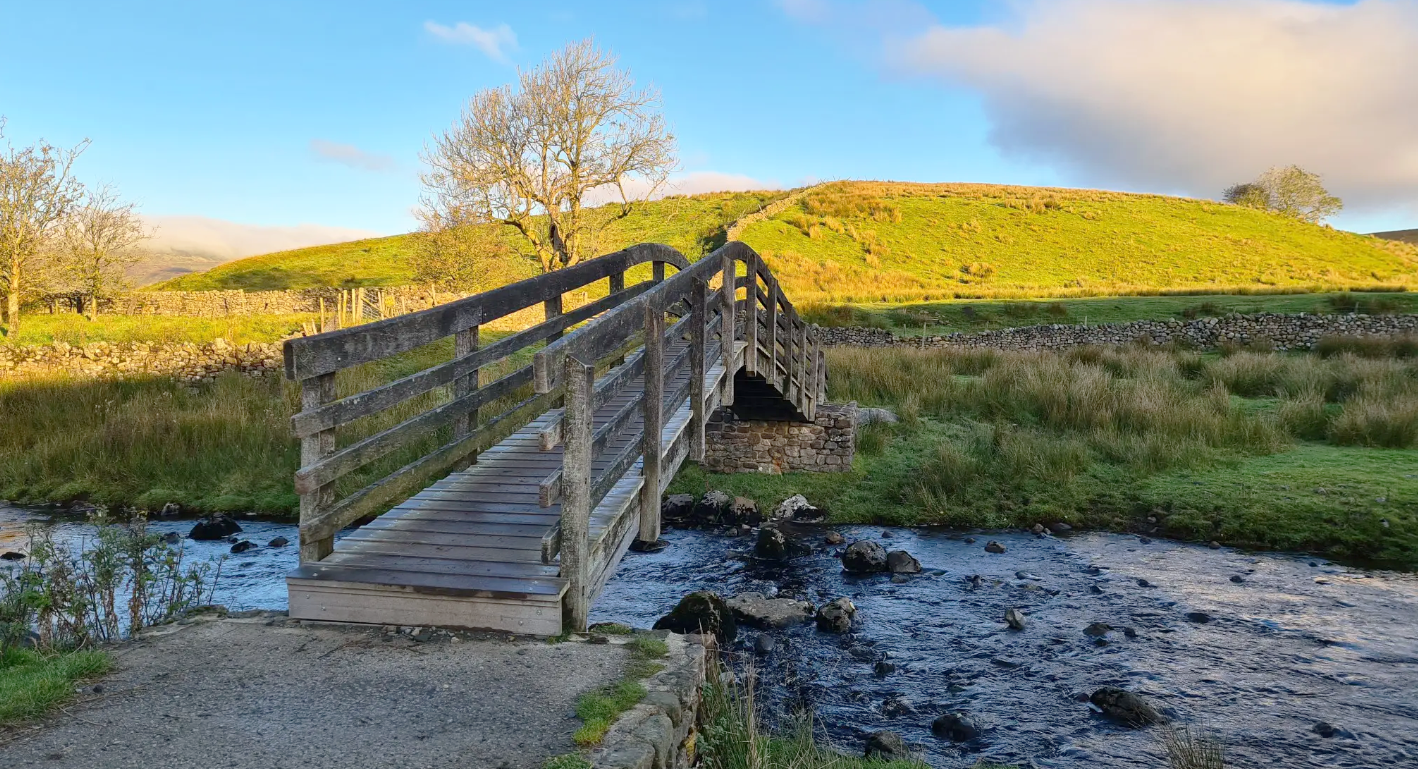
Ribble Way — A remarkable river ramble into the heart of the Dales

Traffic-free bike rides around Preston


Tips from the Community


first trip on an electric bike, I'm disabled with paralysis of left arm and was slightly apprehensive not just about my disability but the fact I hadn't owned or ridden a push bike in over 40 years. what a rush this was, apart from a small part that was more of a downhill rough path with 4 barriers with which I decided to walk down, nice and very scenic route and totally enjoyed ever part of it
0
0


Tip5 Alternative Start Points with Parking for the 4 Tours Tour1 The Marina Carpark at Preston Marina The Marina Carpark Position is: 53.761540,-2.738572 Either: Paste the above line into the Google Maps app "Search here" box and then search - click the magnifying glass icon. Or: open your web browser and search for Google Maps 53.761540,-2.738572 Ashton Park Car Parks Link: Ashton Park Highlight https://www.komoot.com/highlight/5137829 Highlight7 on the Tour1 map
0
0
Tip4 Part (a) below explains the use of a split-screen using 2 web browsers. In Part (b), a practical example, you can use either the single web browser or the 2 web browsers method. (a) How To View In Split-Screen on Windows Using Two Web Browsers - example Microsoft Edge and Chrome. This method is similar to and slightly easier than the method in Tip3, part b). Open this highlight in both web browsers on the Windows PC. Their icons will be visible on the Windows taskbar. Then display one browser on the left side of the screen and one on the right. Open this highlight in both web browsers on the Windows PC. Their icons will be visible on the Windows taskbar. Then display one browser on the left side of the screen and one on the right. (b) Practical Use of a Split Screen Use a split screen to practise zooming into and out of a photo in a slide show. Create a split screen on an Android phone. On one half display the instructions in Tip1 on how to Enlarge a Photo in a Slideshow. Use e.g. a Chrome or Firefox browser on the other half to open the slideshow and display photo3 in the Chrome or Firefox browser. Then practise zooming in and out of photo3. Similarly, using a Windows PC and Photo3 practise the Windows PC instructions on how to zoom-in and out.
0
0
Tip3 How To Split-Screen The aim is, for example, to view relevant Tips or Comments alongside a photo or map. Photo4 shows a split-screen (from Tour1) on an Android phone. View photos or the route map on one half and the description on the other half of the screen. Scroll the 2 halves independently to compare a photo with e.g. a description in the Tips or Comments. If using a tablet or mobile, view the description in the website and the photo in the Komoot app - easier to pinch-zoom to see different parts of the photo. Instructions for (a) Android phone (b) Windows PC/Laptop For an iPhone search online for "Harris iPhone split screen" (a) Android Phone Check online for your Android phone. Not all models support split screen. Tap below to start a video - how to use split-screen. On a mobile, view in landscape. https://www.youtube.com/watch?v=zuiKgagO71Y (b) Windows PC/Laptop Easy in Windows 10/11. You can open the same Highlight (or Tour) using 2 web browsers, such as Microsoft Edge and Chrome, one on the left and one on the right of the screen. Or, you can use a single web browser displayed in 2 windows on the left and the right. Use these instructions to practice the technique. The first instructions below use a single web browser, e.g. Microsoft Edge. Using two web browsers is a little easier - see Tip4. 1) On your Windows PC/laptop, maximise the window if not already full-screen. Copy this highlight's Komoot web address. You need to paste it - see below. 2) Opposite-click this browser's tab on the Windows taskbar. That means click the other mouse button. Then click 'Open new window'. When opened, maximise it, paste and open the web address in the new window and scroll to these instructions so that you can continue to follow them. 3) Press and hold the Windows key on the keyboard and press the left arrow key. The active window moves to the left of the split-screen. 4) You should now see the right-hand half of the first window. Click that window to display it 'on top'. These instructions should still be visible in that window. Check that it's full screen. Press and hold the Windows key again and press the right arrow key. 5) The two windows should now display side-by-side. Scroll one window to display the 1st photo and open the slideshow. Scroll the other for the photo descriptions in the Tips. Then display a photo in one half and a corresponding description in the other.
0
0
Frequently Asked Questions
How many no-traffic touring cycling routes are available around Preston?
There are nearly 50 dedicated no-traffic touring cycling routes around Preston listed on komoot, offering a wide variety of experiences. These include 19 easy routes, 25 moderate routes, and 5 more challenging options, ensuring something for every skill level.
Are there any circular no-traffic cycling routes in Preston?
Yes, Preston is well-known for its circular routes. The most prominent is the Preston Guild Wheel, a 21-mile (approximately 34 km) route that encircles the city, offering a blend of urban and rural scenery predominantly off-road and traffic-free. You can explore a specific tour of this route here: Preston Guild Wheel.
What kind of natural scenery can I expect on these routes?
Preston's no-traffic routes often follow the scenic River Ribble and tranquil canal towpaths, passing through ancient woodlands, historic parklands, and nature reserves. You'll encounter diverse landscapes, from lush green spaces to the broader rural Lancashire countryside.
Are there any family-friendly no-traffic cycling routes?
Absolutely. Many of Preston's traffic-free routes are ideal for families due to their gentle gradients and safe, off-road nature. The Guild Wheel, for instance, is suitable for all abilities. Routes through parks like Avenham and Miller Parks also offer pleasant, easy rides for all ages.
What attractions can I see along the no-traffic touring cycling routes?
Many routes pass by or near interesting attractions. For example, the Miller Park Fountain – Brockholes Nature Reserve loop takes you past the historic Miller Park Fountain and the impressive Brockholes Nature Reserve. You might also encounter the Ribble Steam Railway or the unique Ribble Link Staircase Locks and Holding Basin.
Are there any routes that feature nature reserves?
Yes, several routes incorporate or pass through nature reserves. The Haslam Park Nature Reserve – Guild Wheel Cycle Lane loop is a great example, allowing you to explore Haslam Park Nature Reserve. Brockholes Nature Reserve is another significant natural highlight accessible via routes like the Miller Park Fountain – Brockholes Nature Reserve loop.
What do other touring cyclists enjoy most about cycling in Preston?
The area is highly rated by the komoot community, with an average score of 4.44 stars from 128 ratings. Reviewers often praise the extensive network of traffic-free paths, the blend of urban and rural scenery, and the accessibility of routes for various skill levels, particularly the well-maintained Guild Wheel.
Are there any longer, moderate no-traffic routes for experienced touring cyclists?
For those looking for a longer, moderate challenge, the Fairhaven Lake – Lytham Windmill loop offers a substantial 57.8 km ride. While it may not be entirely traffic-free, it provides a scenic touring experience with varied landscapes.
Where can I find parking for these no-traffic bike trails?
Many of Preston's parks, such as Avenham Park (an official starting point for the Guild Wheel), Haslam Park, and Ashton Park, offer convenient parking facilities. These parks often provide direct access to the traffic-free cycling networks.
Can I access these routes using public transport?
Preston's city centre is well-served by public transport, including a train station and bus network. Many of the key cycling routes, such as the Guild Wheel, are designed to be accessible from various points within the city, making it feasible to reach starting points via public transport.
What is the best time of year to cycle the no-traffic routes around Preston?
Spring and summer generally offer the most pleasant conditions for cycling in Preston, with milder weather and longer daylight hours. However, the well-maintained, traffic-free paths can be enjoyed year-round, though some sections might be muddy after heavy rain in autumn and winter.
Are there any routes that explore the canal network?
Yes, Preston's canal towpaths are a highlight for no-traffic cycling. The Ribble Link Canal, connecting with the Lancaster Canal, offers a relaxing experience with interesting features along the way. Many routes, including sections of the Guild Wheel, incorporate these peaceful canal-side paths.
Most popular routes around Preston
Most popular attractions around Preston
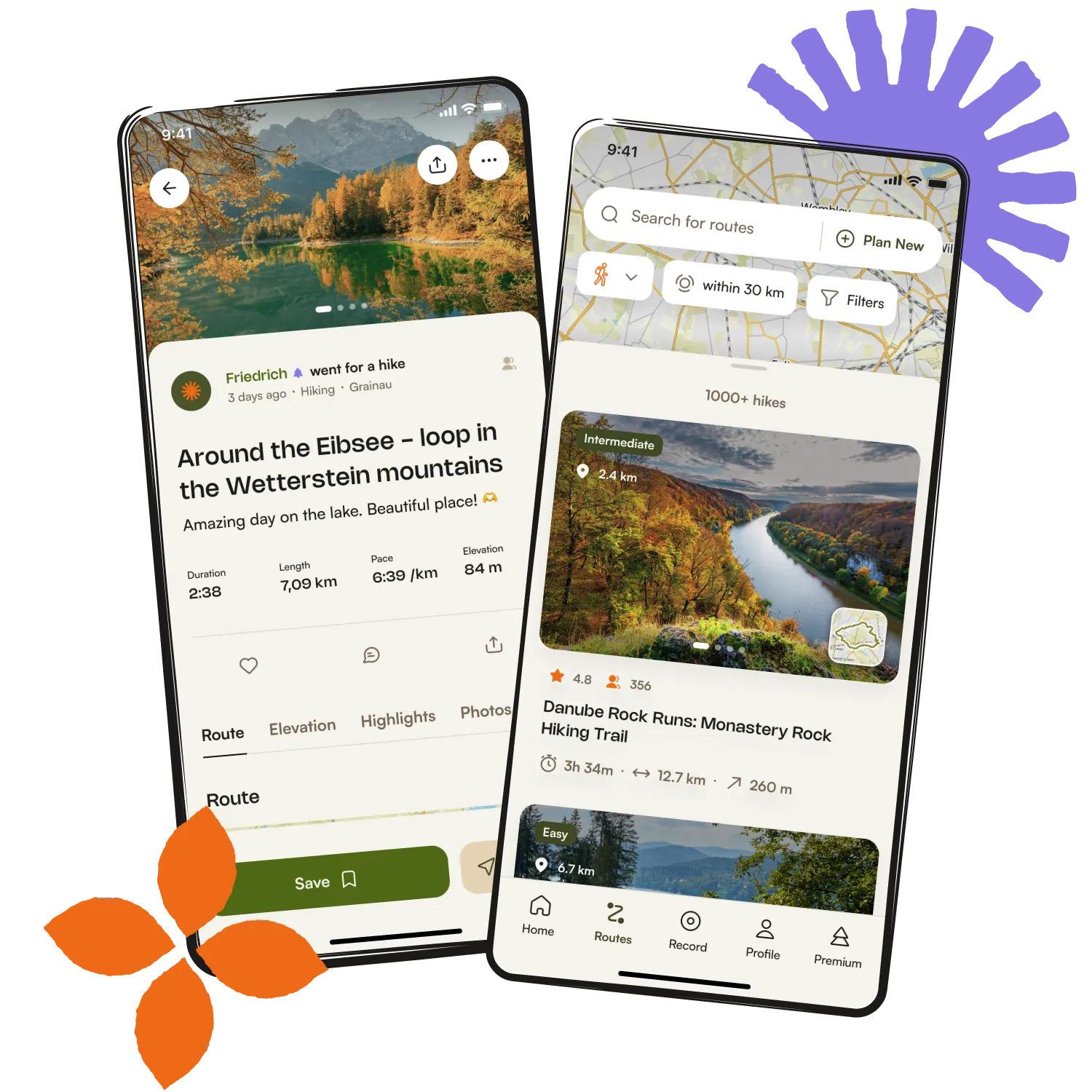
Get inspired with the komoot mobile app


Didn’t find what you were looking for?
Check out more Cycling routes throughout Preston below and find the perfect route in your destination.
Explore more
Browse the best Cycling routes in other regions.