The best MTB trails around Newton-With-Clifton
4.0
(76)
235
riders
21
rides
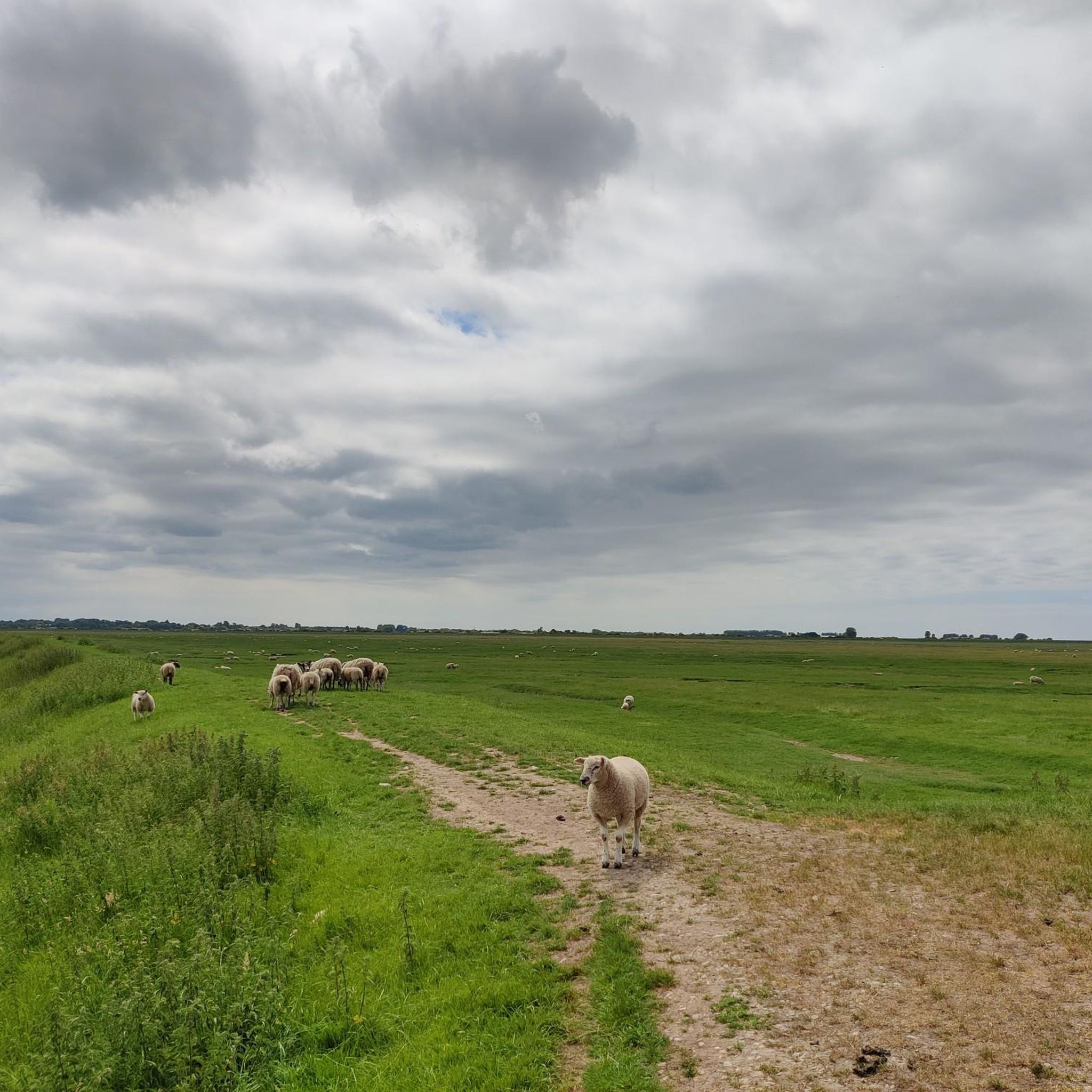
Mountain biking around Newton-With-Clifton offers access to diverse landscapes, including the nearby Forest of Bowland Area of Outstanding Natural Beauty. The region features rolling hills, wild moorland, and dense forests, providing varied terrain for mountain bikers. The broader Ribble Valley also contributes picturesque river landscapes and valleys. This area provides a base for exploring both challenging and scenic mountain bike trails.
Best mountain bike trails around Newton-With-Clifton
- The most popular mountain bike trail is Avenhill and Miller Park, Ribble Steam…
Last updated: May 11, 2026
4.1
(67)
173
riders
35.1km
01:58
160m
160m
Easy mountain bike ride. Great for any fitness level. Suitable for all skill levels.
4.2
(6)
15
riders
Easy mountain bike ride. Great for any fitness level. Suitable for all skill levels.
Sign up for free
4.0
(2)
14
riders
21.3km
01:13
100m
100m
Easy mountain bike ride. Great for any fitness level. Suitable for all skill levels.
5.0
(1)
4
riders
40.2km
02:20
320m
320m
Moderate mountain bike ride. Good fitness required. Suitable for all skill levels.
5.0
(1)
6
riders
Easy mountain bike ride. Great for any fitness level. Suitable for all skill levels.
Get access to more routes and recommendations from other explorers.
Sign up for free
Already have an account?
Our route recommendations are based on thousands of hikes, rides, and runs completed by other people on komoot.
Start today with a free account
Your next adventure awaits.
Login or Signup

Tips from the Community


Tip5 Alternative Start Points with Parking for the 4 Tours Tour1 The Marina Carpark at Preston Marina The Marina Carpark Position is: 53.761540,-2.738572 Either: Paste the above line into the Google Maps app "Search here" box and then search - click the magnifying glass icon. Or: open your web browser and search for Google Maps 53.761540,-2.738572 Ashton Park Car Parks Link: Ashton Park Highlight https://www.komoot.com/highlight/5137829 Highlight7 on the Tour1 map
0
0
Tip4 Part (a) below explains the use of a split-screen using 2 web browsers. In Part (b), a practical example, you can use either the single web browser or the 2 web browsers method. (a) How To View In Split-Screen on Windows Using Two Web Browsers - example Microsoft Edge and Chrome. This method is similar to and slightly easier than the method in Tip3, part b). Open this highlight in both web browsers on the Windows PC. Their icons will be visible on the Windows taskbar. Then display one browser on the left side of the screen and one on the right. Open this highlight in both web browsers on the Windows PC. Their icons will be visible on the Windows taskbar. Then display one browser on the left side of the screen and one on the right. (b) Practical Use of a Split Screen Use a split screen to practise zooming into and out of a photo in a slide show. Create a split screen on an Android phone. On one half display the instructions in Tip1 on how to Enlarge a Photo in a Slideshow. Use e.g. a Chrome or Firefox browser on the other half to open the slideshow and display photo3 in the Chrome or Firefox browser. Then practise zooming in and out of photo3. Similarly, using a Windows PC and Photo3 practise the Windows PC instructions on how to zoom-in and out.
0
0
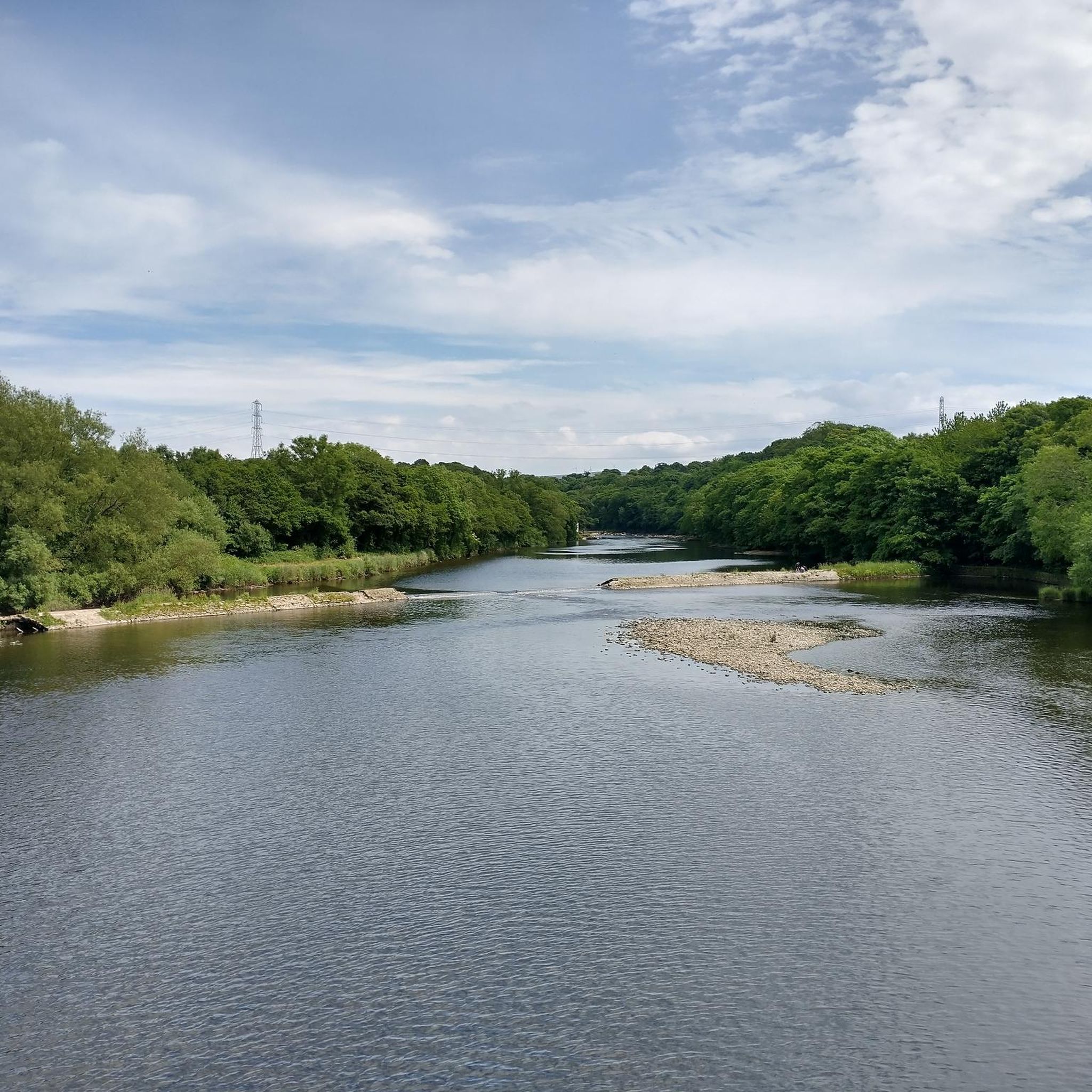
Tip3 How To Split-Screen The aim is, for example, to view relevant Tips or Comments alongside a photo or map. Photo4 shows a split-screen (from Tour1) on an Android phone. View photos or the route map on one half and the description on the other half of the screen. Scroll the 2 halves independently to compare a photo with e.g. a description in the Tips or Comments. If using a tablet or mobile, view the description in the website and the photo in the Komoot app - easier to pinch-zoom to see different parts of the photo. Instructions for (a) Android phone (b) Windows PC/Laptop For an iPhone search online for "Harris iPhone split screen" (a) Android Phone Check online for your Android phone. Not all models support split screen. Tap below to start a video - how to use split-screen. On a mobile, view in landscape. https://www.youtube.com/watch?v=zuiKgagO71Y (b) Windows PC/Laptop Easy in Windows 10/11. You can open the same Highlight (or Tour) using 2 web browsers, such as Microsoft Edge and Chrome, one on the left and one on the right of the screen. Or, you can use a single web browser displayed in 2 windows on the left and the right. Use these instructions to practice the technique. The first instructions below use a single web browser, e.g. Microsoft Edge. Using two web browsers is a little easier - see Tip4. 1) On your Windows PC/laptop, maximise the window if not already full-screen. Copy this highlight's Komoot web address. You need to paste it - see below. 2) Opposite-click this browser's tab on the Windows taskbar. That means click the other mouse button. Then click 'Open new window'. When opened, maximise it, paste and open the web address in the new window and scroll to these instructions so that you can continue to follow them. 3) Press and hold the Windows key on the keyboard and press the left arrow key. The active window moves to the left of the split-screen. 4) You should now see the right-hand half of the first window. Click that window to display it 'on top'. These instructions should still be visible in that window. Check that it's full screen. Press and hold the Windows key again and press the right arrow key. 5) The two windows should now display side-by-side. Scroll one window to display the 1st photo and open the slideshow. Scroll the other for the photo descriptions in the Tips. Then display a photo in one half and a corresponding description in the other.
0
0
Lots of hideaways to stop and admire the wildlife
1
0

Can't beat a little smell of bread baking in the morning. Lovely bakery, plenty to offer and wonderful staff.
4
0
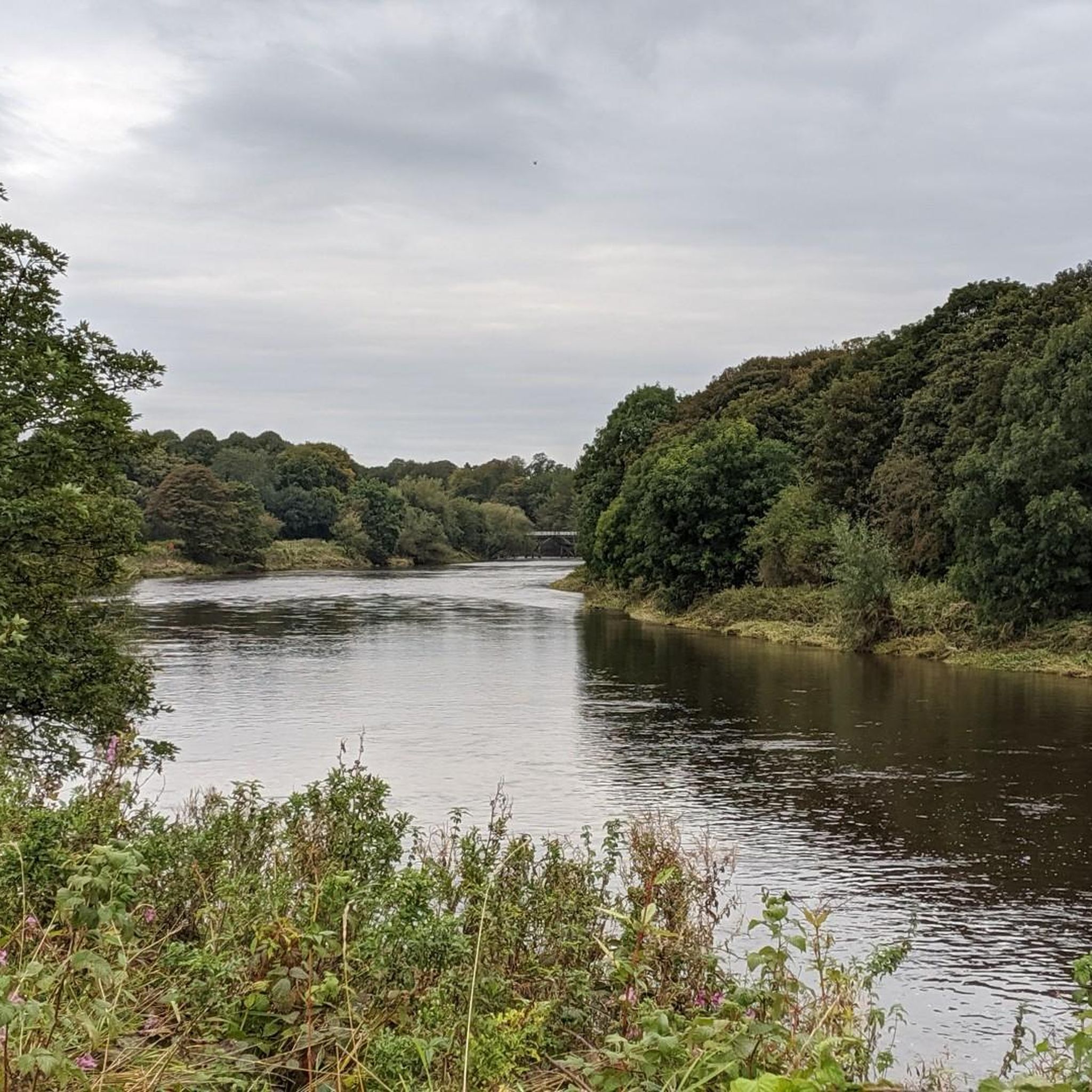
Cuerden Valley Park it a beautiful area with many rivers and bridges to cross some with stone steps. A perfect place to stop
5
0

Be wary of pedestrians, bells at the ready!
0
0
Frequently Asked Questions
How many mountain bike trails are available around Newton-With-Clifton?
There are over 20 mountain bike trails around Newton-With-Clifton listed on komoot, offering a diverse range of riding experiences. These include 11 easy routes and 12 moderate routes, catering to various skill levels.
Are there mountain bike trails suitable for beginners or families?
Yes, Newton-With-Clifton and the surrounding Ribble Valley offer several easy mountain bike trails perfect for beginners and families. Routes like the Avenhill and Miller Park, Ribble Steam Railway and Preston Guild loop explore parklands and follow sections near the Ribble Steam Railway. Another option is the Withnell Canal Towpath Access – Hoghton Tower War Memorial loop from Lostock Hall, which includes canal towpaths and passes historical landmarks.
What kind of terrain can I expect on mountain bike trails near Newton-With-Clifton?
The terrain around Newton-With-Clifton is varied, ranging from rolling hills and dense woodlands to picturesque river valleys. While local routes often feature canal paths and parkland, the wider region, particularly the Forest of Bowland AONB, offers more challenging moorland and rugged trails. Gisburn Forest, for example, provides purpose-built trails with flowing singletracks and technical descents.
What do other mountain bikers say about the trails in Newton-With-Clifton?
The mountain bike trails around Newton-With-Clifton are highly rated by the komoot community, with an average score of 4.0 stars from over 60 reviews. Riders often praise the scenic beauty of the Ribble Valley, the accessibility of the routes, and the variety of terrain available for different skill levels.
Are there any challenging mountain bike routes for experienced riders?
While Newton-With-Clifton itself features mostly easy to moderate routes, the nearby Forest of Bowland AONB offers more challenging options. Gisburn Forest, a renowned mountain biking hub, has trails like 'The 8' which is red-graded with black options for experts, providing technical descents and demanding climbs. The wider Pennine Hills also offer rugged moorland trails and sections of the Pennine Bridleway for experienced riders.
Can I bring my dog on the mountain bike trails?
Many trails in the region, especially those on public bridleways and in open access areas, are generally dog-friendly. However, it's always best to keep dogs under control, especially near livestock or in nature reserves. Specific rules may apply in designated mountain bike parks like Gisburn Forest, so checking their guidelines beforehand is advisable.
What attractions or landmarks can I see while mountain biking?
Several routes pass by interesting landmarks. For instance, the Avenhill and Miller Park, Ribble Steam Railway and Preston Guild loop goes near the Ribble Steam Railway and Miller Park Fountain. The Withnell Canal Towpath Access – Hoghton Tower War Memorial loop from Lostock Hall includes historical landmarks. Other nearby attractions include the Cartford Toll Bridge and Ribble Link Staircase Locks and Holding Basin.
Are there any circular mountain bike routes?
Yes, many of the mountain bike routes around Newton-With-Clifton are circular, allowing you to start and end at the same point. Examples include the Avenhill and Miller Park, Ribble Steam Railway and Preston Guild loop and the Ribble Steam Railway loop from South Ribble, both offering convenient circular options.
Where can I find parking for mountain biking near Newton-With-Clifton?
Parking availability varies by trail. For routes closer to Preston, you might find public car parks. If you venture further into the Forest of Bowland, Gisburn Forest has a dedicated visitor hub with parking facilities. For specific routes, it's advisable to check the komoot tour details or local council websites for parking information.
Are there cafes or pubs near the mountain bike trails?
Yes, the Ribble Valley region is known for its charming villages and towns, many of which offer cafes, pubs, and accommodation options. Gisburn Forest also has a visitor hub with amenities. For routes closer to urban areas like Preston, you'll find a wider selection of eateries and pubs.
What is the best time of year to go mountain biking in this region?
The best time for mountain biking in the Newton-With-Clifton area and the wider Lancashire region is generally from spring through autumn (April to October). During these months, the weather is typically milder, and trails are less likely to be muddy or waterlogged. While winter riding is possible, some moorland trails can become very wet and challenging.
Is public transport an option to reach mountain biking areas?
Public transport options exist to reach some of the larger towns and villages in the Ribble Valley and near Gisburn Forest, but direct access to specific trailheads can be limited. Planning your journey in advance using local bus or train services to nearby hubs and then potentially cycling to the trailhead is recommended.
Most popular routes around Newton-With-Clifton
Most popular attractions around Newton-With-Clifton
Get inspired with the komoot mobile app


Explore more
Browse the best MTB trails in other regions.